
Creating a user manual may seem daunting, but it's an essential task to ensure users can effectively utilize a product. User manual writing requires clarity, precision, and usability, which helps bridge the gap between users and technology. This guide will walk you through the steps of crafting a comprehensive user manual, from understanding your audience to delivering a polished final document.

Go from zero to hireable technical writer
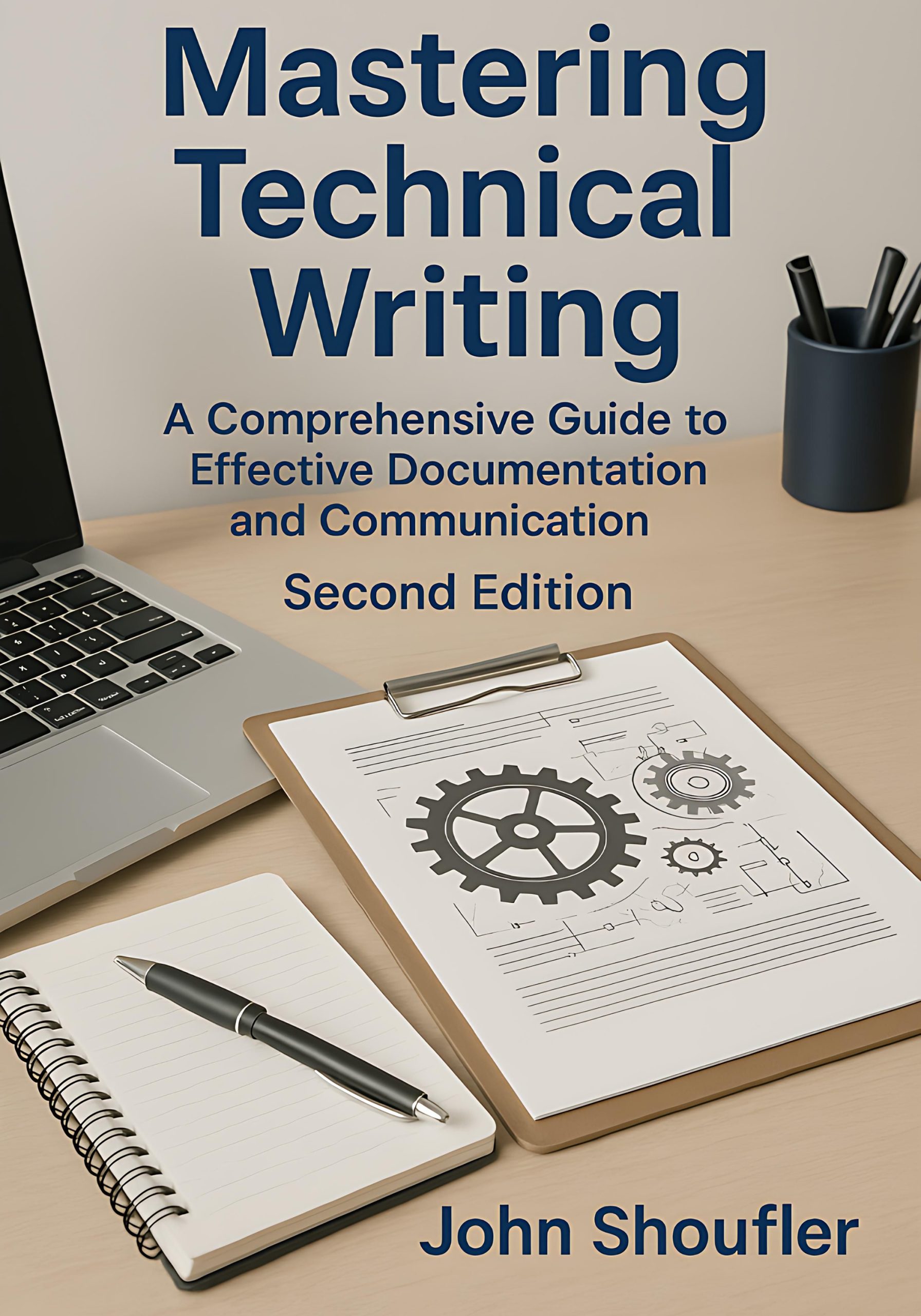
Mastering Technical Writing (2nd Edition) by John Shoufler is a complete, beginner-to-advanced guide — with ready-to-use templates, checklists, and hands-on exercises in every chapter. Learn the craft, build a portfolio, and land the job.
Understanding Your Audience
The first step in user manual writing is to thoroughly understand who your audience is. Are they beginners, or do they have some experience with similar products? Consider their technical expertise, age group, and typical use cases of the product. For instance, if you're writing a manual for a software application targeted at professionals, use industry-specific terminology. On the other hand, if it's for a general audience, opt for simplified language. Gathering this information helps tailor the content to meet the needs of the users effectively.
Structuring Your Manual
A well-structured manual enhances readability and ease of navigation. Start with a table of contents that outlines all sections and subsections clearly. Include an introduction that provides an overview of the product and its main features. Break down the content into logical sections, such as setup instructions, basic operations, troubleshooting, and maintenance. Numbered lists and bullet points are useful for clarity. This structure not only helps in user navigation but also in organizing your writing process.
Writing Clear Instructions
The core of user manual writing is providing clear and concise instructions. Use simple language and short sentences to avoid confusion. Each step should be direct and actionable, beginning with a verb. For example, instead of saying 'The device can be powered on by pressing the button,' say 'Press the power button to turn on the device.' Visual aids, like diagrams and screenshots, can significantly enhance comprehension, especially for complex instructions.
Utilizing Templates and Checklists
Templates and checklists are invaluable tools in creating consistent and thorough user manuals. They ensure that no essential information is omitted. For instance, a checklist might remind you to include safety warnings and a glossary of terms. Using a template can save time and maintain a standard format throughout your documentation. 'Mastering Technical Writing (2nd Edition)' by John Shoufler offers comprehensive templates and checklists that can be adapted to your specific manual needs.
Incorporating Feedback and Testing
Before finalizing your user manual, it's crucial to incorporate feedback from real users. Conduct usability testing by having individuals follow the manual to complete tasks. Their feedback can highlight areas of confusion or steps that might be missing. This process helps you refine the manual to better serve the user, ensuring it is practical and effective in real-world applications.
Finalizing and Distributing the Manual
Once you've made necessary revisions, it's time to finalize your user manual. Proofread for grammatical errors and ensure all information is accurate. Consider different formats for distribution, such as printed booklets, PDFs, or an online help center. Each format has its benefits; for example, PDFs are easy to distribute and access, while online versions can be updated frequently. Decide which format best suits your audience and product needs.
Frequently Asked Questions
What is the purpose of a user manual?
A user manual serves as a guide to help users understand and operate a product efficiently. It provides instructions, troubleshooting tips, and other necessary information to enhance the user experience.
How detailed should a user manual be?
The level of detail in a user manual should match the complexity of the product and the needs of the audience. It should provide enough information to effectively guide the user without overwhelming them.
What tools can I use to create a user manual?
Several tools are available for creating user manuals, including word processors like Microsoft Word, dedicated documentation tools like MadCap Flare, and design tools like Adobe InDesign, depending on your needs and expertise.
How can I ensure my user manual is user-friendly?
To ensure user-friendliness, use clear and concise language, logical structure, and visual aids like diagrams. Conduct usability testing to gather feedback and make necessary adjustments.
Why should I consider using a template for my user manual?
Using a template helps maintain consistency and ensures that all essential sections are included. It also streamlines the writing process, saving time and reducing errors.
Go from zero to hireable technical writer
Mastering Technical Writing (2nd Edition) by John Shoufler is a complete, beginner-to-advanced guide — with ready-to-use templates, checklists, and hands-on exercises in every chapter. Learn the craft, build a portfolio, and land the job.